






How to Play Palworld Multiplayer With Friends (Crossplay and 1.0)
-
- Palworld left early access with version 1.0 on July 10, 2026. Removed all early access notes.
- Added crossplay across Steam, Xbox, PS5 and Mac (live since March 2025).
- Updated invite code steps and explained how console players join dedicated servers.
- Added the new 1.0 voice chat.

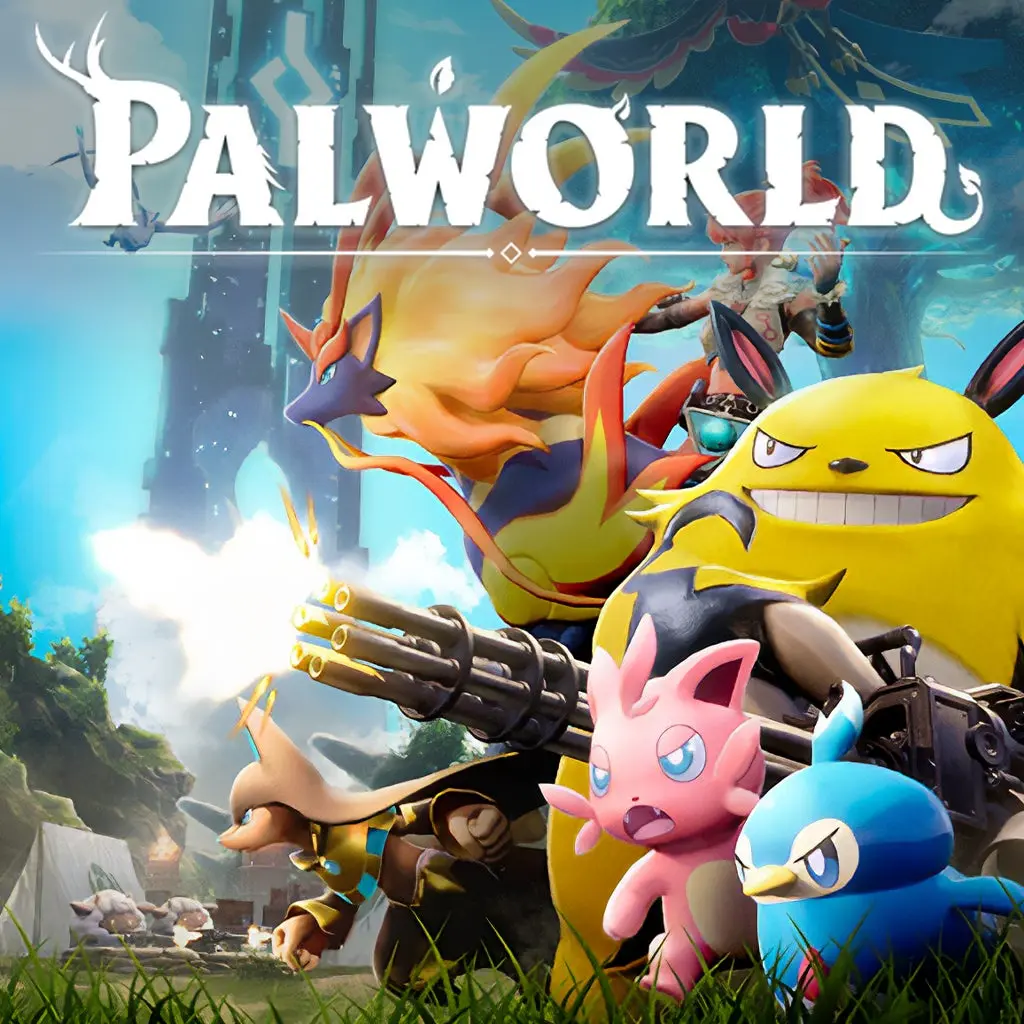
Palworld has online multiplayer for up to 4 players with an invite code, and up to 32 players can play on a dedicated server. Crossplay works across Steam, Xbox, PS5 and Mac. Palworld left early access with version 1.0 on July 10, 2026.
Palworld is a survival crafting game that quickly became incredibly popular because it is very similar to the Pokemon series of games. If you love catching creatures, see our list of the best Pokemon games. The presence of Palworld multiplayer allows players to explore the open world together and unite in guilds, build bases and collect resources, and hunt and exchange local monsters, which are called Pals here. Any game only gets better if you can play with friends! In this article, I will tell you more about how multiplayer works in Palworld.
Highlights:
- Palworld left early access with version 1.0 on July 10, 2026.
- Co-op worlds hold up to 4 players. Dedicated servers hold up to 32.
- Crossplay works across Steam, Xbox (including PC Game Pass), PS5 and Mac.
- Xbox and PS5 players join dedicated servers through the in-game Community Server browser.
- Version 1.0 added in-game voice chat and a ranking system for Arena PvP battles.
- There is no local co-op or split screen.
Does Palworld Have An Official Multiplayer?
Yes, Palworld has full online multiplayer. The game left early access with version 1.0 on July 10, 2026, and Pocketpair kept the price at $29.99. Version 1.0 brought many multiplayer improvements, and patches are still coming out.
How Does It Work?
Palworld multiplayer allows you to do everything that you can do in a solo game but with your friends. Also, the multiplayer mode slightly expands the basic gameplay with some features which I’ll cover later.
There are two ways to play Palworld online. In a co-op world, the host shares an invite code and up to 4 players can join. On a dedicated server, up to 32 players can play together, and the world stays online even when the owner is not playing. PC players can run a dedicated server with the free Palworld Dedicated Server tool. Xbox and PS5 players cannot type a server IP, so they join through the in-game Community Server browser. If you host a server for console friends, register it as a Community Server so they can find it. If you don’t want to keep your own PC running 24/7, you can also use a Palworld Server Hosting service to get a dedicated server up in a few minutes and let your friends join anytime, even when you’re offline.
Between Which Platforms Is It Available?
Palworld is out on PC (Steam and PC Game Pass), Xbox, PlayStation 5 and Mac. Since the v0.5.0 update in March 2025, crossplay works across all of these platforms. You and your friends can play together no matter which one you use. The host can turn crossplay on or off in World Settings.
There is no Nintendo Switch or Switch 2 version. Pocketpair has said it would like to bring the game to Switch 2, but nothing has been announced.

How To Play Multiplayer In Palworld
To host a co-op world:
- Launch Palworld and select Start Game.
- Create a new world or load one you already have.
- Open World Settings and make sure Multiplayer is on and Crossplay is enabled.
- Load into the world, open the pause menu and go to Options.
- Generate an invite code and send it to your friends. It works on any platform.
To join a friend:
- From the title screen, select Join Multiplayer Game (Invite Code).
- Enter your friend’s code.
Note:
You need to generate a new invite code every time you want to play with friends when exiting and re-entering a World.
Palworld Local Co-op and Split Screen
There is no local co-op or split screen in Palworld, even after the 1.0 release. To play together, each player needs their own copy and device. The good news is that crossplay means you can mix platforms.
Multiplayer Features
Playing Palworld multiplayer is very similar to playing solo and allows you to do everything you can do alone. Yet, it also has its own peculiarities. Here are some of them:
- You can fight bosses together as a group and get experience together for it.
- You can join guilds and build a joint base.
- You can share resources and exchange Pals.
- Loot in the game is unique to the world. This means if you see a chest or a shiny Pal Sphere on the ground and pick it up, your buddies can’t have it.

Gameplay Tips For Multiplayer
- Create a guild! This way, you can share a base and resources, reducing everyone’s grinding routine and speeding up your overall progression. You will also be able to see other guild members on the map, making it easier to navigate when searching for resources or bosses.
- If you have items that you do not want to share, you can put them in a chest and add a password to keep it locked.
- Remember that when you drop a Pal, they can be picked up by anyone in the overworld, whether or not they’re in your guild.
- When playing in a group, having only one base is essential for group play and progression.
- To get the maximum number of items, players in co-op should purchase different items from the technology tree.
- Fighting bosses in a group allows you to use more Pals, and everyone in the battle gets the same amount of XP.
If Palworld Multiplayer Is Not Working
If multiplayer is not working, the first thing to do is visit Palworld’s official website or social media channels for any announcements regarding server status. If there’s ongoing maintenance, patience is key.
- It would be a good idea to make sure that you are using the latest version of the game with all updates.
- Make sure that you have a stable internet connection and there are no problems on the provider side.
- Check that crossplay is turned on in World Settings if your friends are on another platform. If you are on Xbox or PS5 and trying to join a dedicated server, look for it in the Community Server browser. The server owner must register it as a Community Server.
Looking For A Palworld Team? Try GameTree
Want a guild to catch Pals and fight bosses with? The GameTree app matches you with players by personality and the games you like. You can also join the GameTree LFG Discord, with about 28,500 members, and use the Scout bot’s /lfg command to find Palworld players: discord.gg/6duvwHx2Q2.
Final Thoughts
Palworld is now a full release, and multiplayer is better than ever. Crossplay means your group can play on any mix of PC, Xbox, PS5 and Mac. Use an invite code for a small group of 4, or set up a dedicated server for up to 32 players. Building bases and fighting bosses is faster and more fun with friends. For more co-op building, try these survival games like Rust or read our Stardew Valley multiplayer guide.
Frequently Asked Questions
Yes, on a dedicated server. Co-op worlds with an invite code are capped at 4 players, but dedicated servers hold up to 32.
Online co-op play in Palworld allows for up to 4 players. On dedicated servers, up to 32 players can play together.
Yes, you can create your own guild, build a base, fight bosses together, exchange Pals and resources, and much more.
Yes. Since March 2025, crossplay works across Steam, Xbox, PC Game Pass, PS5 and Mac.
No. Palworld left early access with version 1.0 on July 10, 2026.
Yes. PS5 and Xbox players join through the in-game Community Server browser. They cannot enter a server IP directly.