











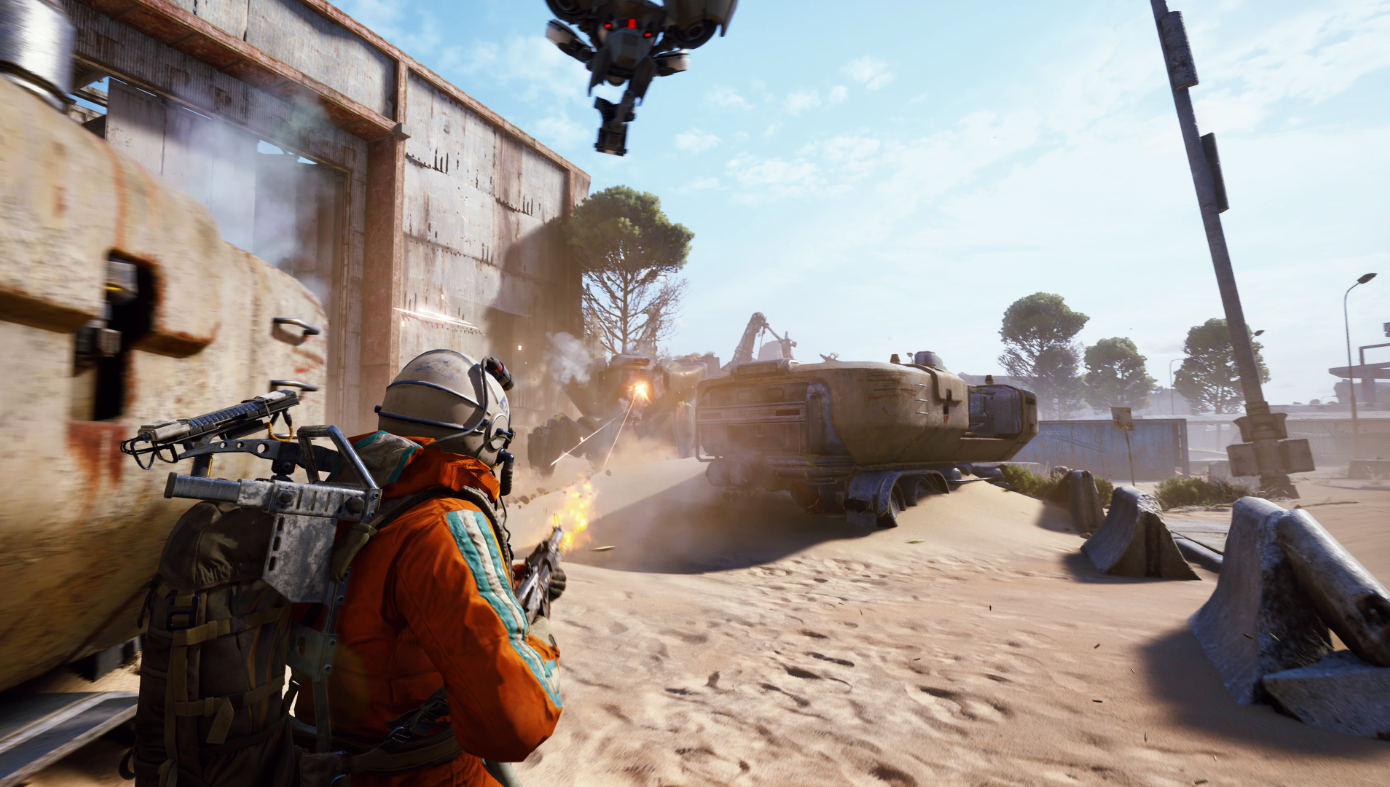
Squads cap at three. You can drop in solo, as a duo, or as a trio, and there is no four player option at any point. If you have four friends who want to raid together, one of you is sitting out or you are splitting into a duo and a duo and hoping to meet up on the map, which rarely survives contact with anyone else.
That cap is the single most common reason ARC Raiders groups break up before they start. A lot of players go looking for a four player squad and find out the hard way that the game does not offer one.
Matchmaking gives you a Fill Squad toggle on the play menu. Leave it on and the game will place you with other raiders to round out a group. Turn it off and you keep the squad size you chose, at the cost of a longer wait while it finds a match at that size.
Fill Squad solves the numbers. It does not solve who you get. GameTree matches you on platform and playstyle first, so the third raider you bring in is someone you picked rather than someone the queue handed you.
Raiding solo and raiding as a trio are close to different games.
Everything is yours: every scrap you find, every decision about when to push and when to leave, and no one talking over you. It is also unforgiving. There is no self-revive in ARC Raiders. Go down alone and the run is effectively over, and everything you carried in is gone with it.
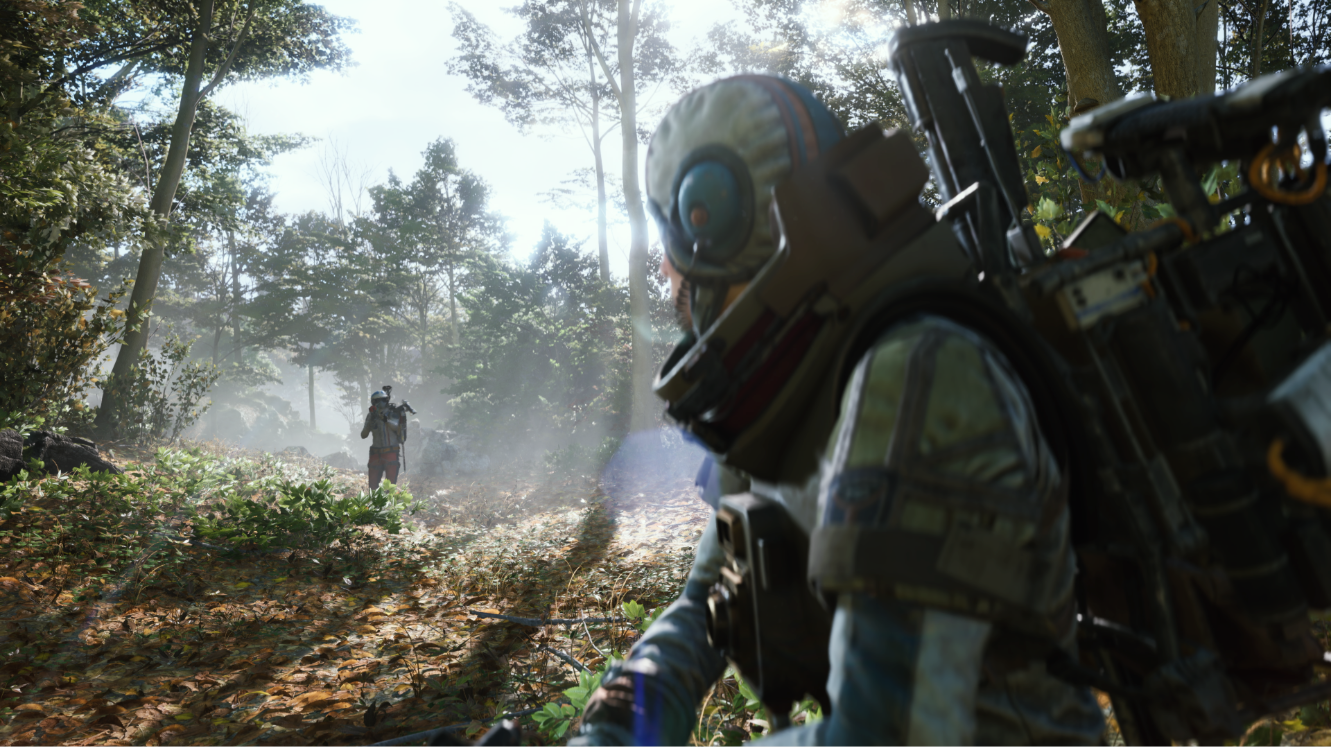
A teammate can pick you up. That single mechanic changes how far you can push, how much you can risk carrying in, and whether a bad fight ends your session or simply costs you a little time.
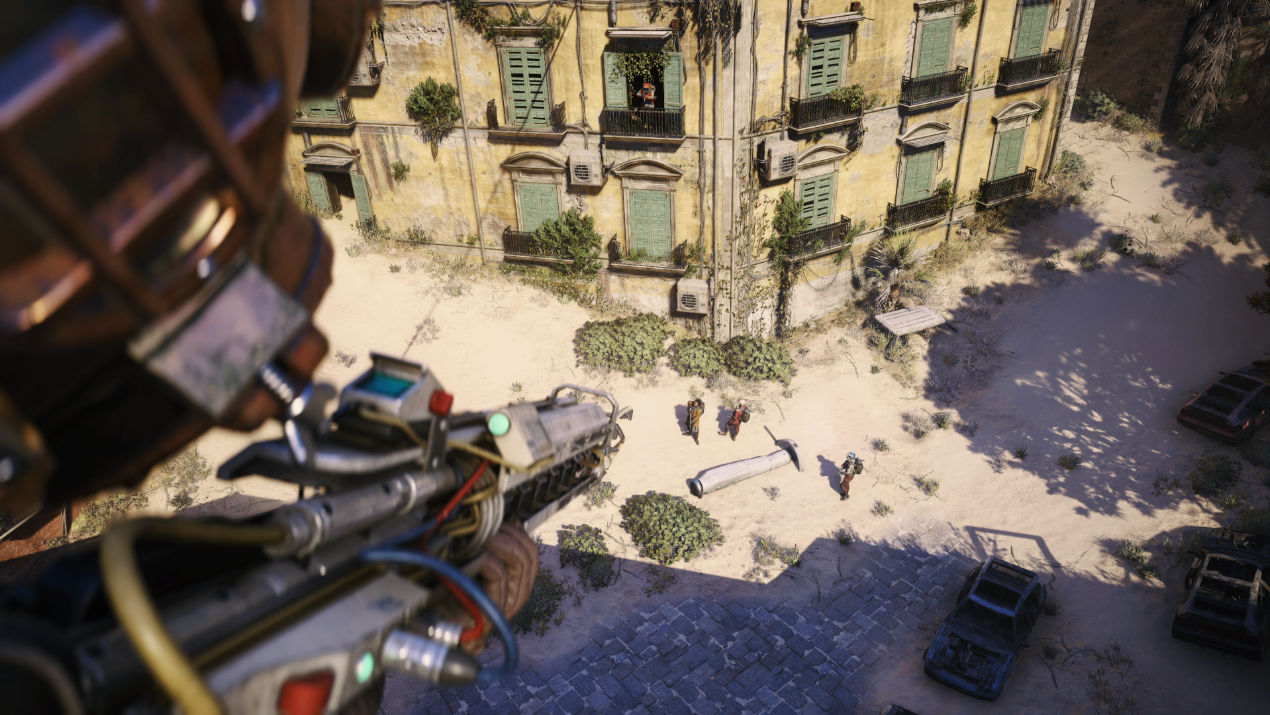
Matchmaking has been paying more attention to this lately. Live Update 1.39.0, released 28 July 2026, refined how the game reads your playstyle: only fights your squad starts count toward that estimate now, so defending yourself when someone else opens up on you no longer pushes you toward more aggressive lobbies. Third partying an existing fight still counts as starting one.
The practical read is that who you queue with shapes the lobbies you get. A squad that opens fire on everything will be matched into rounds full of squads that do the same. If that is not the game you want to play, the fix is picking your squad rather than accepting whoever the queue provides.
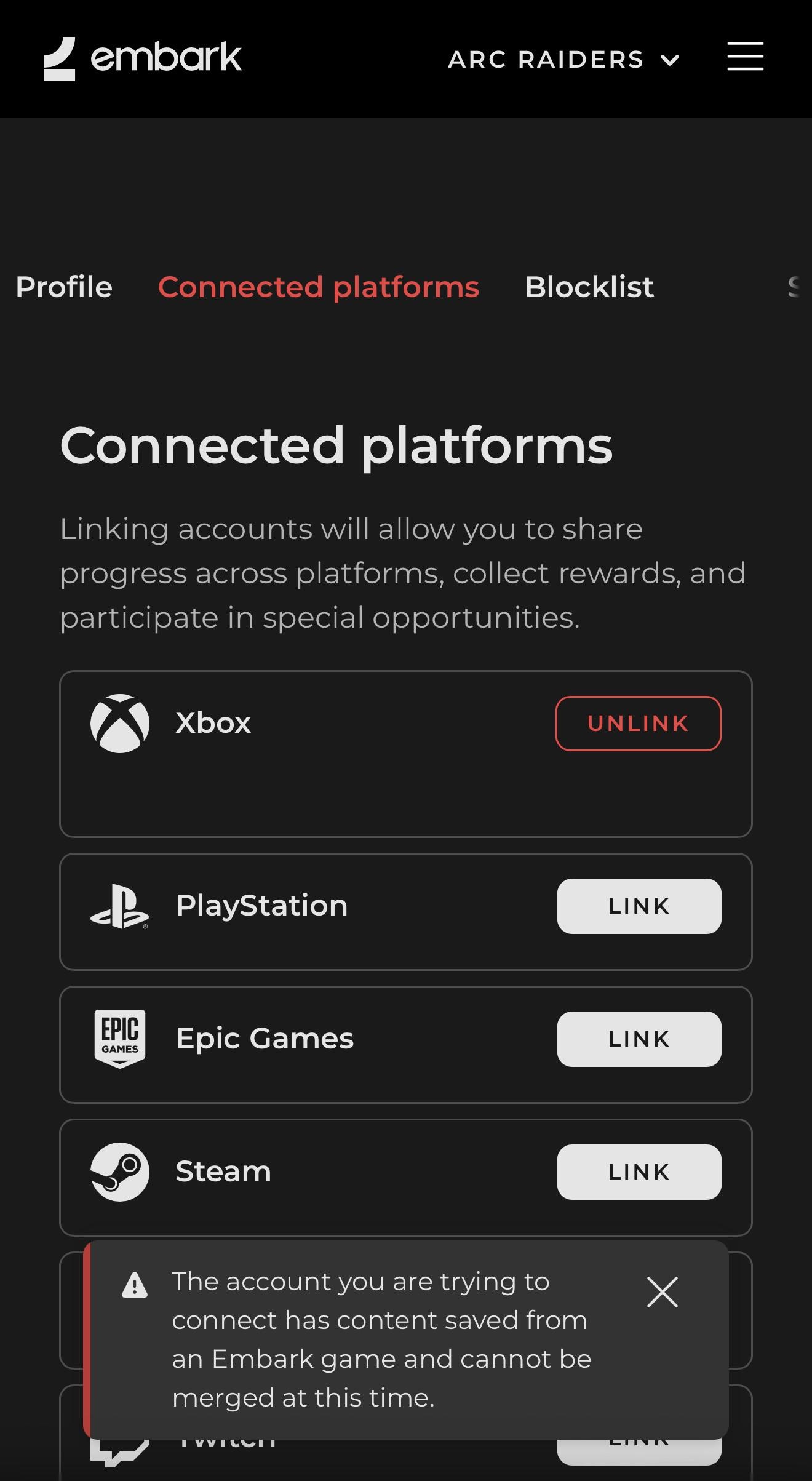
ARC Raiders uses Embark accounts, and every player has an Embark ID formatted as a name plus a four digit code, like Raider#1234. Those four digits are hidden by default. Turn on Show Discriminator in your profile and social menu and your full ID appears, which is what you give someone who wants to add you.
Crossplay is on by default and runs across PC on Steam and Epic, PlayStation 5, and Xbox Series X and S, all in one shared pool. You can turn it off in Settings, though queues take longer without it. There is no known restriction stopping a PC player and a console player from raiding together.
So the platform is not the obstacle. Finding someone worth adding is. That is the part GameTree’s Discord LFG bot handles, matching you with raiders on your platform who play the way you do, before you trade IDs.
If you also play THE FINALS, Embark’s other game, the two are running a crossover between 30 July and 20 August 2026 that rewards time played.
What our users say
A Great Way to Meet New People "That app gave me what I wanted from it. It helped me meet new people with similar interests. The app is well designed and is fairly easy to use. The only slight issue I have is not the apps fault, but is that people aren't very active on it so sometimes getting a response can be difficult. Besides that it is a good way to find new people who share a similar interest with you and it doesn't have to be just gaming."
It's Free!! "This app is amazing, it has an awesome community and there are a ton of people who are down to have fun and connect with. The best part... the app is completely free!"
GameTree changed my life "I absolutely love gametree. I've met new people who love the games I love. Not only that, but these people have introduced me to other games I now love! 100% recommend gametree for any game lover or anyone new to the gaming world looking or likeminded people."
Three. Squads cap at one, two, or three raiders. There is no 4-player squad.
Yes. ARC Raiders has full crossplay across PC, PlayStation 5, and Xbox Series X|S through your Embark account.
Live Update 1.39.0, released 28 July 2026, refined how matchmaking reads your playstyle. Only PvP fights your squad starts now count toward that estimate, so defending yourself no longer makes the game think you are hunting people. Third partying a fight in progress still counts as starting one. The update also fixed grenade damage consistency and made map fixes on Dam Battlegrounds and Buried City.
Get their Embark ID (username plus four digits), open the party menu, choose Add Friend, then Invite to Party once they accept.
No. If you go down, a teammate has to revive you by holding the interact button. Alone, you are relying on reaching an extraction point yourself, which is not always possible. This is the strongest practical argument for raiding with people rather than queueing solo.
Squads only go up to three, so a four-stack splits into a trio and a solo, or runs two separate squads.
No. Squads cap at three, so a four player group cannot raid together. Your options are splitting into a duo and a duo, or rotating one player out. There has been no four player mode at any point.
A toggle on the play menu. With it on, matchmaking places you with other raiders to fill your group up to three. With it off, you queue at the size you picked and wait longer for a match. It fixes the headcount without giving you any say over who joins.