





How to Make a Cinematic Fan Trailer for Your Favorite Game (Even If You’ve Never Edited a Video)
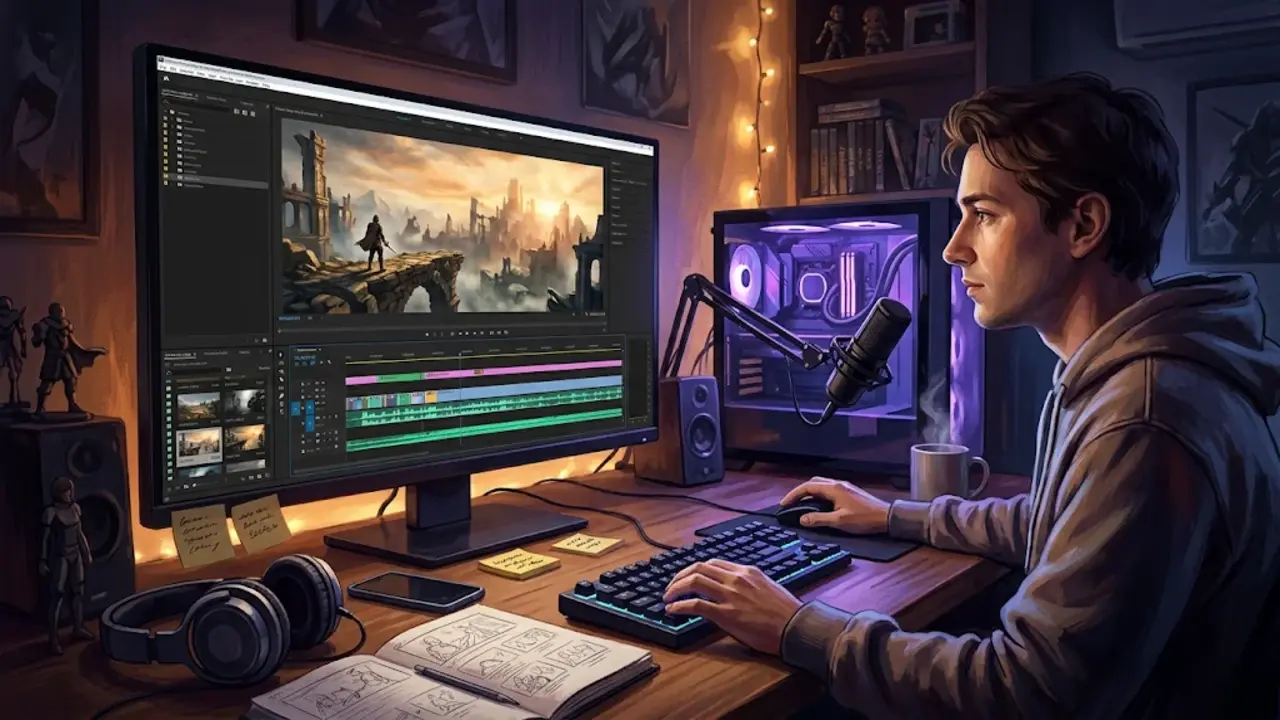
Each fan has a moment they want the world to see differently: The first time into a ruined city, the moment before a boss battle, or the quiet moment before a sunrise over a map that you have navigated a hundred times. That feeling can be shared with others, and you don’t have to be a film school graduate or have a ton of software to create a great fan trailer. You need an idea, a little planning and a few free tools. This is a step-by-step guide for those who want to do a trailer but just do it right, even if you are a complete beginner.
Start With a Simple Story
Choose One Feeling
Great trailers don’t reveal all. They guarantee some sensation, whether it be mystery, adventure or fear. Use one emotion and have all the shots relate to it. If you love a game about farming, try something warm and calming. If it’s a survival horror game, create suspense. One definite tone unites your trailer and makes it easier to pick both what to put in and what to take out.
Sketch a Three-Part Structure
There are two types of trailers, and most trailers will take a simple arc. Establish the setting with a quiet hook, ramp up through the middle sections with speedy cuts and increasing music, and end with a strong close and title. Write the three beats on a sticky note. A minute long trailer with a starting point and a build and a payoff sounds professional even if it’s only a minute long.
Plan Your Shots Before You Capture Anything
Block Out Your Scenes
It’s better to plan ahead than to suffer the hours of delay later. Many producers employ a 3D Blocking Editor to insert basic shapes and a virtual camera so that they can see how the characters are positioned and whether a shot will be framed correctly before they record or animate anything. A quick blockout is used to determine if the trailer reimagines a scene in the game that does not exist in that game. (For example, a showdown scene on a bridge). With the use of in-game footage, the same applies as before: pencil sketches or screenshots are arranged in order.
Think in Camera Angles
Variety adds to the cinematic feeling of footage. Create a wide shot for the world, a medium shot for action and a close-up shot for emotions. Low angles give characters power, high angles give characters size. Label the angle besides each beat of your outline, to ensure that you know exactly what to shoot.
Gather Your Footage and Audio
Capture Clean Gameplay
Record at the highest resolution your computer handles smoothly, and turn off the on-screen interface if the game allows it. There are a lot of games that have a photo mode, that allows you to move the camera around, just like it would be for a photo shoot; this is great for cinematic shooting. Take more than you think you will need, as this will give you choices when editing. You may find a checklist useful for keeping you organized:
- Establishing shots of wide landscapes and settings.
- Character close-ups and reaction shots.
- Fast movements with a clear action sequence.
- Middle calm scenes – doors, weather, skies, etc.
Choose Music That Fits
Music is half the job in any trailer! Seek out royalty free music that will fit the vibe and slowly ramp up. Make sure all the music is licensed for use or do not use copyrighted music that could cause your video to be muted. Footsteps, wind, or a distant roar can add depth with minimal effort, lending sound effects.
Edit Like a Beginner and Look Like a Pro
Pick a Free Editor
No software needed! Cutting and music and titles are well managed in free editors like DaVinci Resolve, CapCut or Clipchamp. Pick one and master it as well, because it’s better to learn one well than many half and half.
Cut to the Rhythm
Put music first and then cut clips to the beats. Use long shots for low-energy moments; close ups for high-energy moments. Use simple transitions, but avoid using fancy ones on each cut. A clean, almost always looks better than a busy cut.
Add Polish Before You Publish
These edits are the fine tuning that makes a rough draft into a trailer that people would want to watch. Use a cool tint for suspense or warm colors for adventure to make shots match. Include a title card, a short tag line and a credit to the game’s developer. See the trailer on your mobile phone and a larger screen and give a friend honest feedback before uploading it.
Conclusion
A cinematic fan trailer comes down to clear choices: one mood, one plan, and clean editing. Start small, finish something, and improve with each project. Your favorite game deserves a tribute, so pick a scene tonight and begin.