






Cult of the Lamb Multiplayer: Local Co-op, Online Options and 2026 Updates
-
- Confirmed co-op is still 2-player local only, with no built-in online co-op mode, as of October 2026.
- Added the Woolhaven expansion (January 22, 2026) and the Switch 2 Edition (October 22, 2026).
- Updated the Steam Remote Play tips and added an FAQ.
- Fixed typos in the co-op relics and buildings lists.

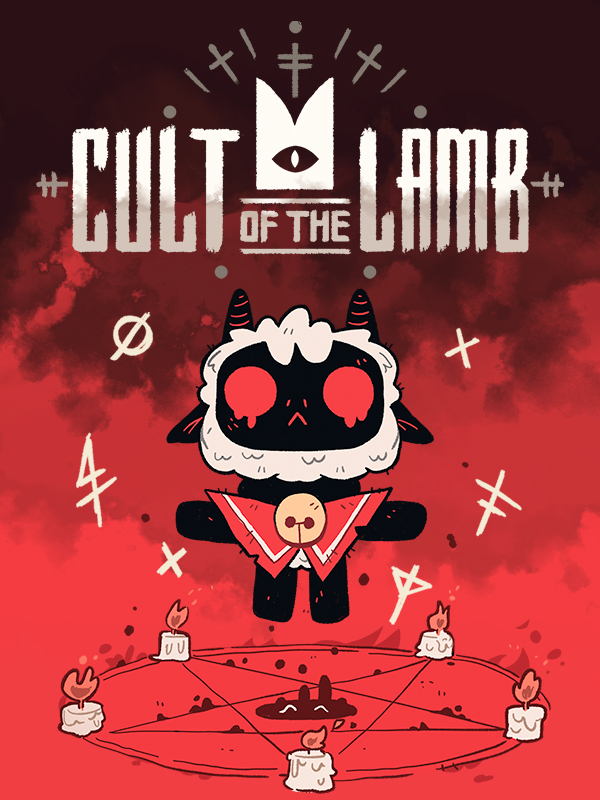
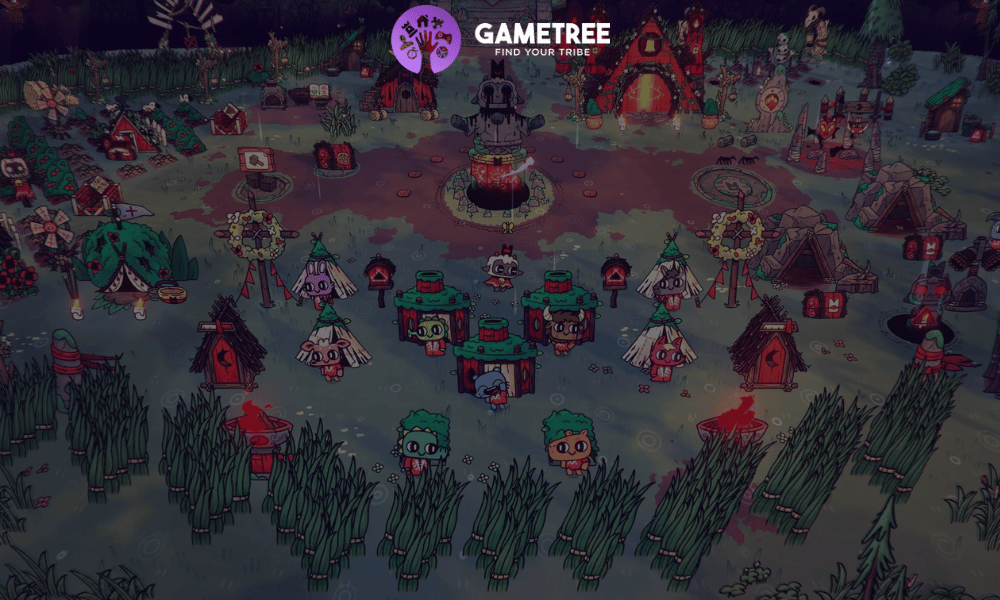
Cult of the Lamb is a popular roguelike game where you need to manage a settlement, develop a cult of your sect, and wander through generated dungeons to kill heretics. The main goal is to keep your sect alive and loyal, feed members, provide them with places to sleep, monitor the state of the territory, conduct rituals, and complete quests. As in most roguelike games, running through generated dungeons is quite challenging for my taste, but it is also very addictive and rewarding. The game got a 2-player co-op mode in the Unholy Alliance update in August 2024. In January 2026, the paid Woolhaven expansion added a new snowy region, and in October 2026 the game came to Switch 2. I have played Cult of the Lamb co-op with a friend, so here is how it works today.
Cult of the Lamb: Co-Op
Yes, but only locally. Cult of the Lamb has 2-player local co-op, where one player is the Lamb and the other is the Goat. The game has no built-in online co-op mode on any platform. On PC, you can still play with a friend over the internet through Steam Remote Play Together.

The Unholy Alliance Update: Adding Co-op to Cult of the Lamb
Unholy Alliance is a free update that came out on August 12, 2024. It added 2-player co-op. One player controls the Lamb and the other controls the Goat. Co-op is still local only. The 2026 updates fixed co-op bugs but did not add online play.
Besides Cult of the Lamb co-op, this update throws in some new buildings and loads of tarot cards. There are also some cool new relics to collect by finishing quests. Plus, each bishop now has a purified version of their relic. You just have to take on a quest, turn them into a demon, and bring them back to your temple to get it.
Woolhaven and the Switch 2 Edition: What Changed in 2026
Woolhaven is a paid expansion that launched on January 22, 2026, for $16.99. It is on PC, PlayStation 5, PlayStation 4, Xbox Series X/S, Xbox One and Switch. You need the base game. It adds a snowy mountain region, cold and blizzards your followers must survive, ranching, mounts and two new dungeons. A free update (version 1.5.0) launched the same day for everyone, including a co-op bug fix.
The Nintendo Switch 2 Edition came out on October 22, 2026. It is a free upgrade if you own the Switch version. Woolhaven and the DLC packs are also available on Switch 2, and DLC you already bought carries over. It adds higher resolution, smoother frame rates and GameShare support. GameShare lets a friend join from your copy. We could not confirm if it works online through GameChat, so plan on playing together in the same room. For more couch co-op ideas, see our list of more multiplayer Switch games.
How Does Steam Remote Play Work?
Cult of the Lamb has no built-in online co-op mode. If you own the game on Steam, you can use Remote Play Together. Your friend streams your game over the internet and plays as the Goat. Only the host needs to own the game.

How to Set Up Steam Remote Play With Cult of the Lamb
Remote Play is a Steam tool that allows you to stream games from a PC to other devices while the inputs from the remote device are supported. This way, you can organize an online co-op game without having to be physically nearby. To start the Cult of the Lamb online co-op via Remote Play, follow these steps:
- Launch Steam and head to Settings.
- Under the Steam Settings, search for Remote Play.
- Turn on the Enable Remote Play option.
- Launch Cult of the Lamb.
- Go into the Steam Overlay (shift+tab).
- Click on the Remote Play Together button.
- Click on the Invite a Friend button.
- In the list that opens, select your friend, invite them, and start a co-op session in Cult of the Lamb.
Cult of the Lamb Remote Play Fixes
Remote Play is not a perfect solution for online multiplayer in Cult of the Lamb, so players may encounter some inconveniences. Below, I have listed some of them and some possible fixes.
- If your friend’s input does not work, open the Remote Play Together window and check that their controller, keyboard and mouse input are turned on. A controller is the most reliable choice for player 2.
- Remote Play streams video, so both players need a stable connection. The host’s upload speed matters most.
- If the game stutters, lower the streaming quality in Steam’s Remote Play settings.
- If you still have trouble, restart the game or Steam and send a fresh invite.
How to Play Local Co-op in Cult of the Lamb
First of all, to access the local co-op in Cult of the Lamb, players need to complete the tutorial. After that, follow the steps I describe below:
- Launch the game and pause it.
- Select “Add Co-Op Player”.
- Connect the second controller.
- Assign it to either the lamb or the goat.
- After that, press “Summon The Goat” to initiate co-op gameplay.
If you like couch co-op, Cuphead is another local-only co-op game. For a farming game you can also play online, see our guide to Stardew Valley co-op.
Co-Op Exclusive Multiplayer Updates
Once players start a co-op session, they will have access to the exclusive co-op Tarot Cards and Relics. Below, I list what the various cards give and describe some other unique Cult of the Lamb multiplayer features.
Co-Op Tarot Cards
- Bonds of Battle – Both players are connected by a beam that will damage enemies that touch it.
- The Comrades – When fighting close to each other, deal 2x weapon damage
- The Rivals – When fighting at a large distance from each other, deal 2x weapon damage
- The Synchronous – Allows critical hits when both players attack at the same time.
- Flint and Steel – Rolling over each other has a 20% chance of causing an explosion.
Co-Op Relics
- Ashes of the Mercurial Mun (Slow) – Creates an exploding ring around both players.
- Wishbone of the Marbais (Slow) – You take damage, and the other player gains 10 seconds of invulnerability.
- The Clasped Hands (Slow) – Both players heal half a heart.
- Cross Eye of the Crow (Fragile) – Spawns an eye that moves between both players and deals heavy damage to enemies on contact.
- Kudaai’s Lost Tooth (Fragile) – Swap your weapon and Curse with the other player.
Quests
- Bishop Quests – Unique quests that will let you learn more lore about the Bishops, as well as unlock a new trait and final reward from Narinder.
- Dungeon Encounters – With the Unholy Alliance update, all dungeons have been reworked. You and your friend will have many new encounters in the dungeons!
Buildings
The update adds two new buildings:
- Nursery – Allows you to care for three babies at a time until they grow up. By the way, you will have to clean up after them quite a bit. You can build as many nurseries as you want.
- Knucklebones Table – This is an arena that allows you to play one match of Knucklebones per day against a follower of your choice. The difficulty of the match depends on the follower’s level, and defeating them instantly increases their level. You can only build one such structure in your sect.
Cult of the Lamb Co-op Tips
How to get the most out of playing Cult of the Lamb co-op? Here are some tips I can give from my own experience.
- The introduction of co-op doesn’t change the fact that the game was designed for solo play. This means that whoever enters a room first initiates the dialogue, its progression, the choice of rewards, and what path you take at the end of each set of chambers. So, you either immediately agree on who in your pair is the leader and who is the follower, or it will be a competitive element for you.
- The obvious advantage of playing Cult of the Lamb co-op is the formation of a joint build designed for maximum possible damage. This will ensure faster and more effective clearing of rooms and bosses.
- Clearing the base and extracting resources will save you a lot of time if you do it together.
- One of the advantages of a cooperative game is that you don’t have to choose which tarot card will be used and which will not since both will be used. You just need to agree and decide who will choose which.
- Communication is key. Whether you play local co-op or launch Cult of the Lamb via Steam Remote Play, you need to agree on a number of things and communicate during the game session. So, if you play remotely, make sure both of you have a good Internet connection and an efficient voice chat.
Want to Play Cult of the Lamb Multiplayer? Try GameTree
Need a co-op partner for Cult of the Lamb? The GameTree app matches you with players by personality and the games you like. You can also join the GameTree LFG Discord, with about 28,500 members, at discord.gg/6duvwHx2Q2. Use the Scout bot’s /lfg command to post that you want a co-op partner. Since online co-op only works through Steam Remote Play, mention your platform when you post.
Frequently Asked Questions
No. Co-op is local only on every platform. On PC, Steam Remote Play Together lets a friend join over the internet.
Two. One player is the Lamb and the other is the Goat.
No. With no online mode, there is no crossplay.