






How to Find Gamer Friends in 2026: The Complete Guide
-
- Rewrote the guide for 2026: in-game group finders, Discord servers and LFG bots, matchmaking apps, Reddit, and console changes.
- Added tips on picking social games, turning teammates into friends, staying safe and keeping a group together.
- Merged in our older quarantine-era post on making friends. The old social games post now points to our list of the best online games to make friends.
- Added an FAQ.
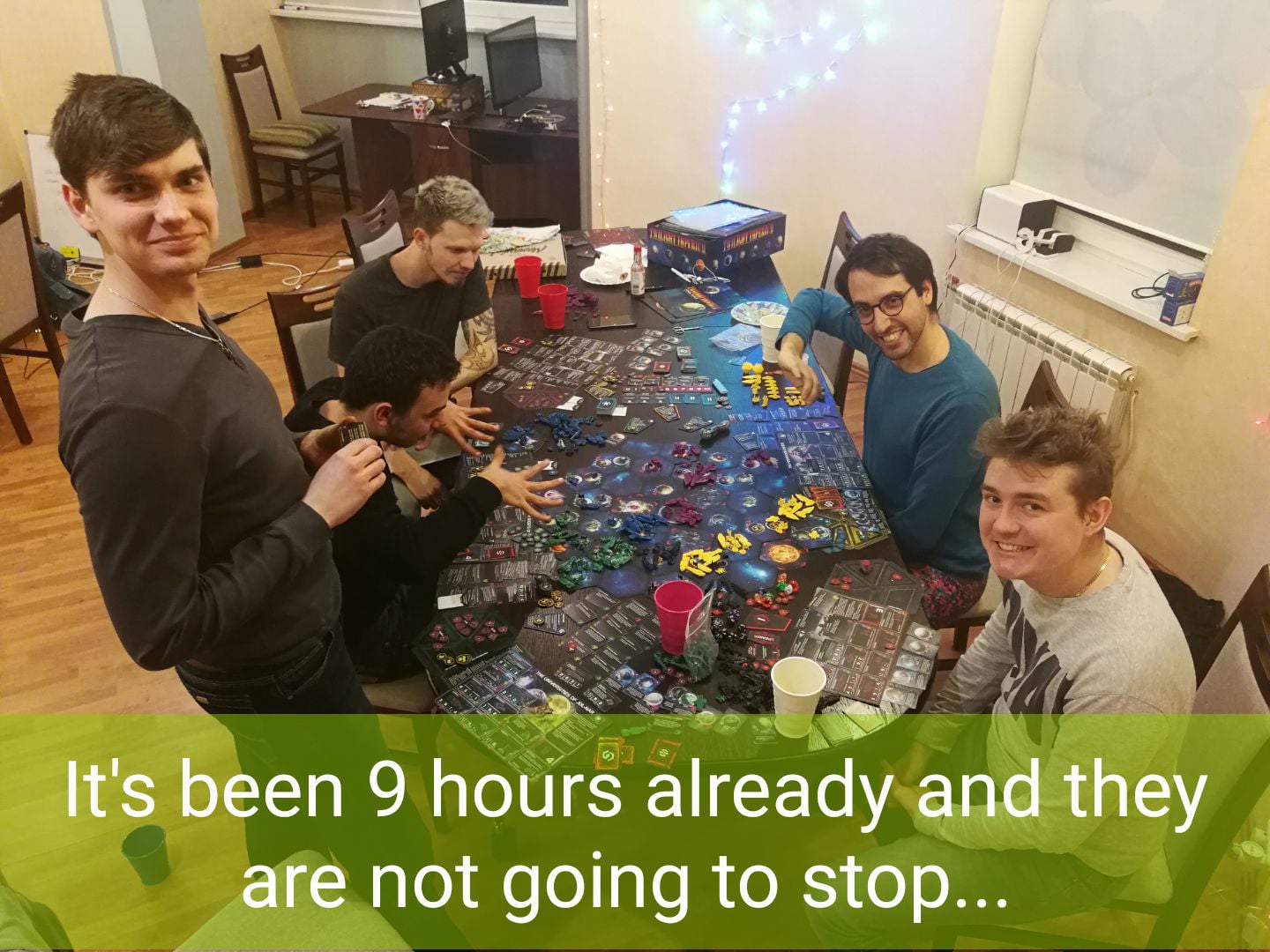
Lots of people play games every day but have no one steady to play with. Old friends move away, tastes drift apart, and random teammates disappear after one match. If that sounds familiar, you are not alone.
GameTree started the same way. Our founder moved to a new city for his first job and ended up gaming alone every night. Most of his best memories came from playing with people he cared about, so he set out to make it easier to find them. This guide shares what we have learned about finding good gaming friends, whichever tools you use.
Why Gaming Friends Are Worth the Effort
A steady group makes games more fun. Ranked feels less stressful when you trust your team, co-op games go further, and you always have someone to try a new release with. Many gaming friendships also grow into real friendships away from the screen.
Know What You Want Before You Look
A few quick answers will save you a lot of time:
- Casual or competitive? Someone grinding ranked wants something different from someone who plays to relax.
- Voice or text? Some players love voice chat. Others prefer to type.
- When do you play? Your time zone and usual hours matter more than almost anything else.
- Which platform? Check crossplay before you invite someone from another console or PC.
Once you know these, you will know where to look and what to put in your posts.
Start With In-Game Tools
Many games now have their own group finders. Destiny 2 added an in-game Fireteam Finder in late 2023, and MMOs like Final Fantasy XIV have long had party finders. They are quick and easy, but groups often split up after one match. Use them to meet people, then add the ones you enjoyed playing with.
Join Discord Servers for Your Games
Discord is where most players get organized. Look for three kinds of servers:
- Official game servers for news, events and big LFG channels.
- Creator servers run by streamers and YouTubers you already watch.
- LFG servers built only for finding teammates, like these Valorant LFG Discord servers.
Good servers have active LFG channels, clear rules and visible moderators. Be aware that Discord switched to teen-safe default settings for everyone in 2026. Friend requests from people you don’t know now come with a warning, and adults may be asked to verify their age to change some settings.
Use LFG Bots Inside Discord
LFG bots let you post something like “need 2 for ranked tonight” and get it in front of the right people. Our own GameTree LFG server (about 28,500 members) uses a bot called Scout. You type /lfg and Scout suggests players who fit your play style and how you like to communicate, not just your rank.
Try a Gamer Matchmaking App
Matchmaking apps pair you with players by game, platform, schedule and sometimes personality. There are several options, including general LFG apps and duo finders for specific games. The GameTree app is one of them. It matches you with players by personality and the games you like. It is free to download on iOS, Android and desktop, with optional paid memberships.
Use Reddit and Game Forums
Subreddits for individual games, plus LFG communities, work well for niche or older titles where Discord servers are quiet. Read each community’s rules, then post your platform, region, rank and play times.
Console Players: What Changed
Microsoft closed user-created Xbox Clubs in April 2026, so older advice to “join a Club” no longer works. Console players now lean on Discord (which works on Xbox and PlayStation), in-game party finders and their platform’s party chat.
Pick Games That Make Meeting People Easy
Some games make it much easier to break the ice:
- Party games like the Jackbox Party Packs. Only one person needs to own the game, and everyone else joins from a phone.
- Cozy games like Minecraft (see our list of things to do in Minecraft with friends) and Animal Crossing: New Horizons. When every player is on a Nintendo Switch 2, Animal Crossing supports up to 12 players on one island online.
- Co-op games like Helldivers 2, where working together matters more than skill. Our Baldur’s Gate 3 co-op guide and No Man’s Sky multiplayer guide show how to set up a co-op session step by step.
- Tabletop Simulator for board game and tabletop RPG fans.
For more ideas, see our list of the best online games to make friends.
How to Turn a Random Teammate Into a Friend
- Add people after a good match. If the game felt fun, send a friend request while it is fresh.
- Suggest a second session. One game is luck. A second game is the start of a group.
- Join groups that are already playing. It is easier than starting one from scratch, especially if you are shy.
- Try new games together. Learning something new as a group takes the pressure off.
- Be on time. Reliable players get invited back.
Avoid Toxic Players and Stay Safe
- Mute early. If chat turns sour, mute and move your group to a calmer voice channel.
- Leave bad lobbies and report abuse. You don’t owe anyone your time.
- Protect your details. Don’t share your address, school or workplace, and don’t rush to move chats to private apps.
- Give people one chance. Many bad moments come from a bad day or a misunderstanding, not a bad person.
Keep the Group Together
- Set a regular game night so no one has to organize from scratch each week.
- Use a shared Discord channel or group chat for plans.
- Schedule ahead for new releases and events.
- Welcome new players now and then so the group survives when someone gets busy.
Frequently Asked Questions
Where Can I Find People to Play Games With?
Start with your game's own group finder, then try Discord LFG servers, LFG bots, Reddit communities and gamer matchmaking apps. Post your platform, region, rank and play times so the right people can find you.
Is It Safe to Meet Gamers Online?
It can be if you are careful. Keep personal details like your address, school or workplace private, mute and report abusive players, and take your time before moving chats to private apps.
How Do I Find Gamer Friends on Console?
Use in-game party finders, Discord (which works on Xbox and PlayStation) and LFG communities for your games. User-created Xbox Clubs closed in April 2026, so older advice to join a Club no longer applies.
What Does LFG Mean?
LFG stands for "looking for group". Players post LFG messages when they need teammates for a match, a raid or a regular group.
Are There Apps That Match You With Gamers by Personality?
Yes. Several matchmaking apps pair players by game, platform and schedule, and some also use personality. The GameTree app matches you by personality and the games you like.